Guide >
Sound list and context menus
Show useful columns, organize candidates, locate original files, and transfer assets to the DAW.
Columns and sorting
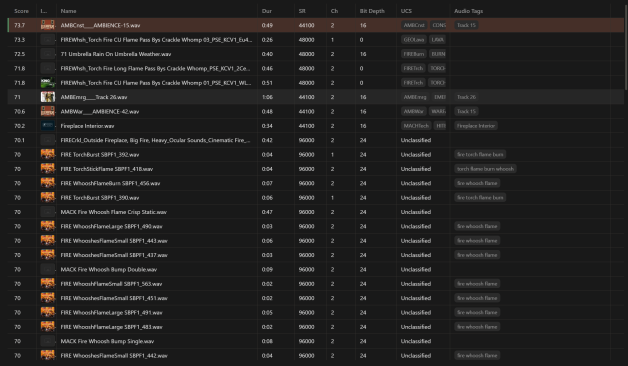
- 01Click a column heading to sort by a value such as name, duration, or sample rate.
- 02Right-click the header to choose basic, Metadata, and UCS columns. Hide those you rarely use.
- 03Drag column edges to resize, or use the menu to fit widths or restore defaults.
Narrow results with the file path
The selected sound’s path is shown as directory segments. Click a parent folder to browse within it. If expected results disappear, check that scope, checked databases, and filters before assuming the files are missing.